

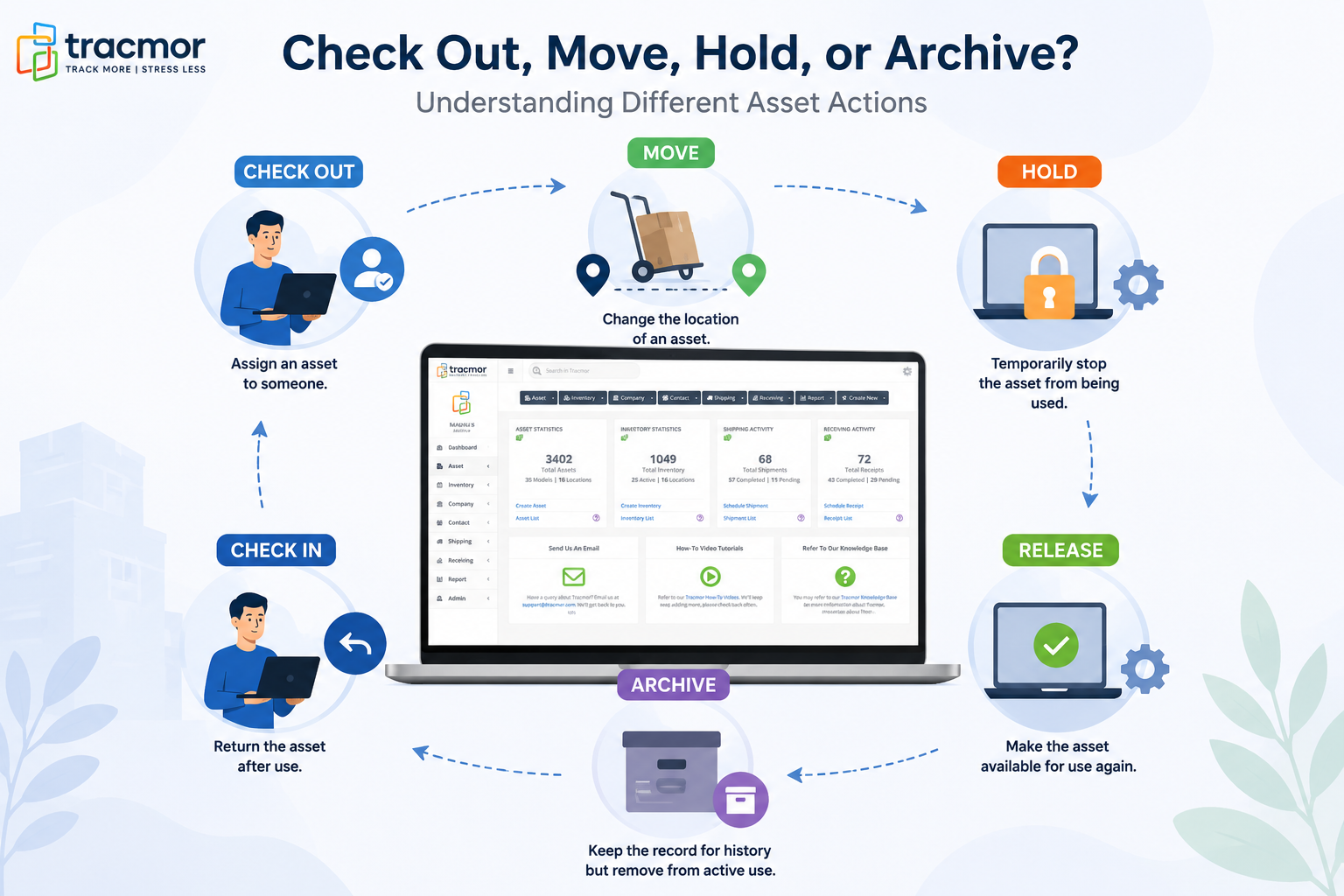
Managing assets is about more than simply knowing what your business owns. You also need to know where an asset is, who is using it, and what is happening to it.
Take a company laptop, for example. It might start in the IT storage room, be assigned to an employee, moved to another office, sent for repair, returned to use, and eventually retired.
Each of these situations is different. If they are all treated the same way, your asset records can quickly become confusing.
That’s why Tracmor offers different asset actions, including Move, Check Out, Check In, Hold, Release, and Archive. Each action helps you accurately record what is happening with an asset.
Different Actions, Different Situations
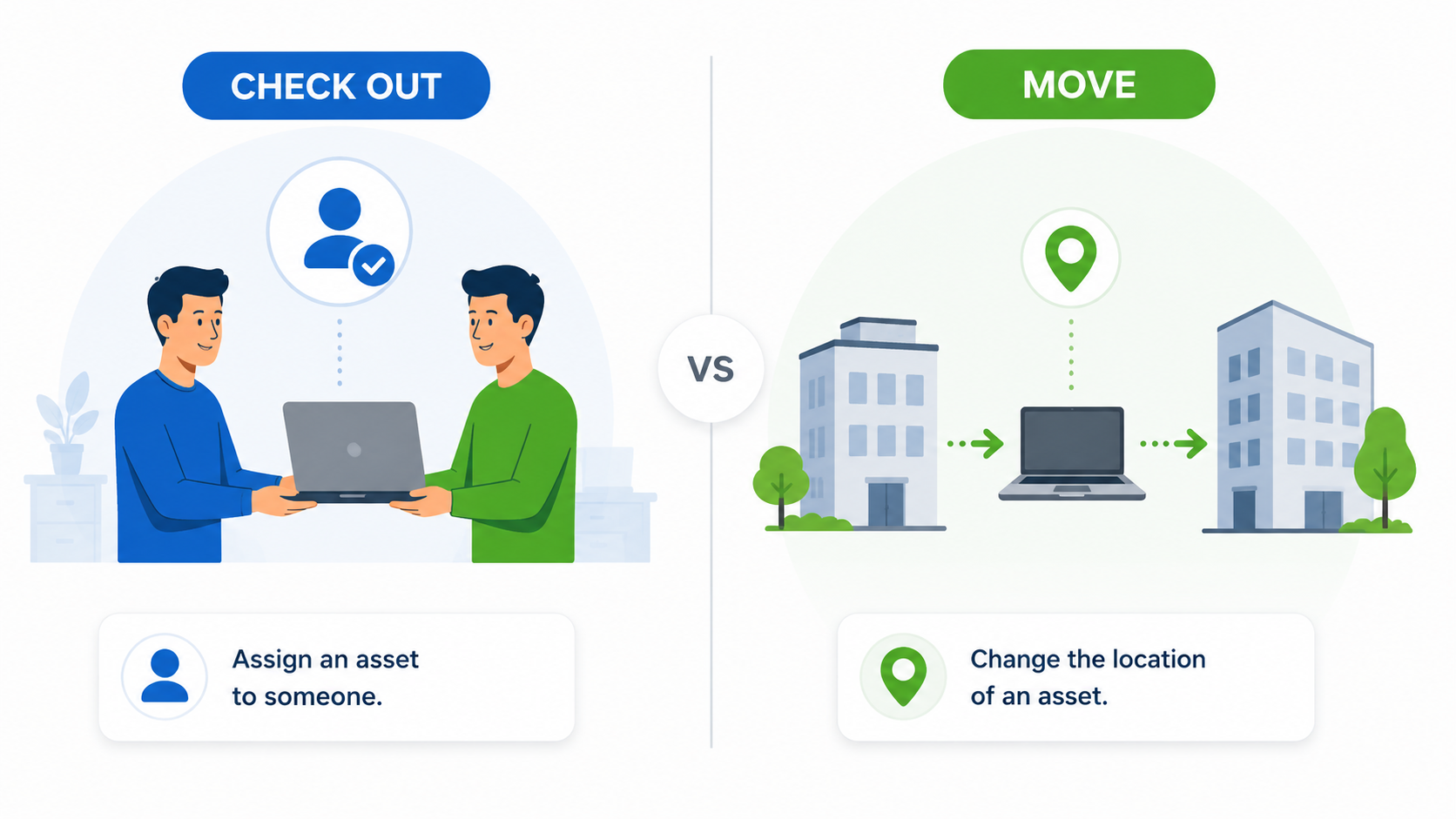
Let’s say a laptop is given to an employee to use for work. The laptop can be checked out, showing that it is currently being used rather than sitting in storage.
When the employee returns it, the laptop can be checked in again.
Now imagine the laptop isn’t being assigned to anyone. Instead, it is simply being transferred from one office to another. In this case, you would move the asset to its new location.
The laptop itself hasn’t changed. Only its location has.
Keeping this distinction clear helps your team understand exactly where assets are and how they are being used.
What If an Asset Is Temporarily Unavailable?
Sometimes an asset can’t be used, but that doesn’t mean it should be removed from your records.
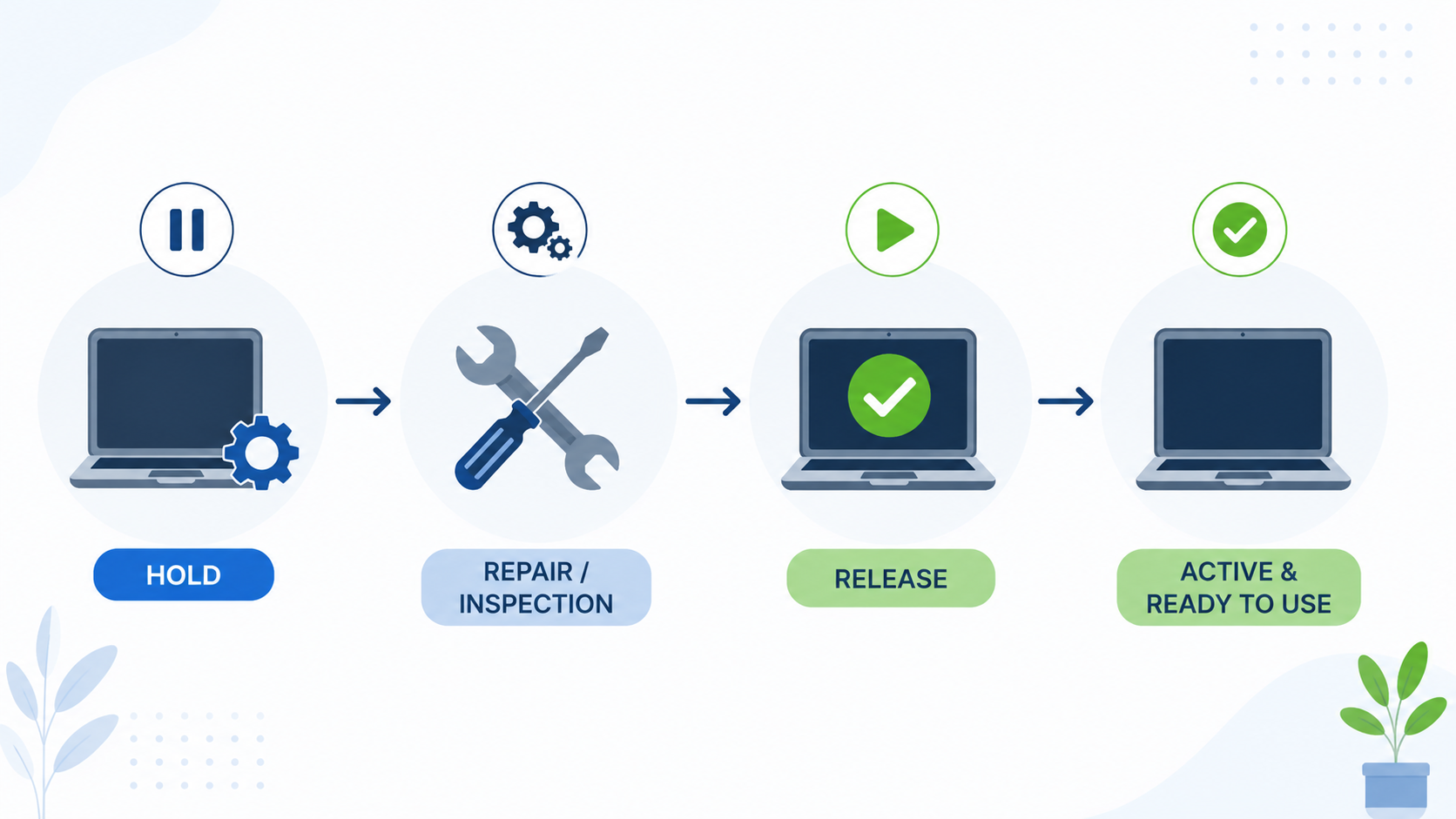
For example, a piece of equipment might need to be repaired. Your business still owns it and plans to use it again, but it shouldn’t be considered available while it’s being repaired.
That’s where Hold comes in.
Putting an asset on hold shows that it is temporarily unavailable. Once the equipment is repaired and ready to use again, you can release it from hold.
This makes it easy to distinguish between equipment that is temporarily unavailable and equipment that is no longer being used.
When an Asset Is No Longer in Active Use
Eventually, some assets reach the end of their useful life. They may be replaced, retired, or simply no longer needed.
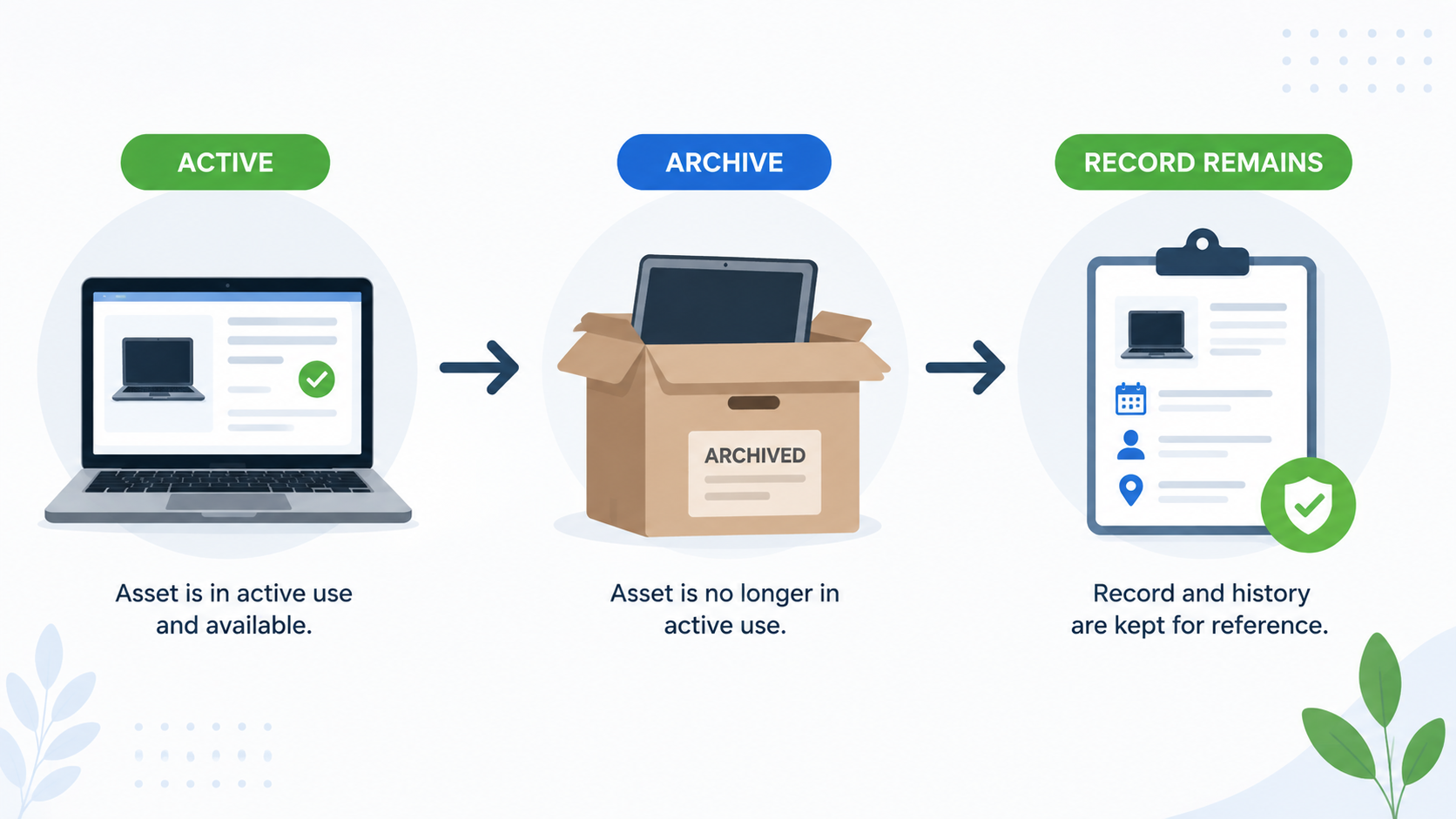
For example, your company might replace an old laptop with a newer one. You may not want the old laptop mixed in with the equipment your team currently uses, but you may still want to keep its history and information.
That’s where Archive comes in.
Archiving allows you to separate inactive assets from the equipment that is still being used every day, while keeping the asset’s information available for reference.
And if an archived asset needs to be used again, it can be unarchived.
It’s About More Than Knowing What You Own
The real benefit of these different actions is the context they provide.
Instead of simply knowing:
“We own this laptop.”
Your team can understand:
Who is using it? Where is it? Is it available? Is it on hold? Or has it been retired?
That information makes asset management much more useful in day-to-day operations.
A laptop assigned to an employee shouldn’t look the same as one sitting in storage. Equipment being repaired shouldn’t look the same as equipment that has been retired.
Using the right action helps make those differences clear.
Keep Your Asset History Clear
Assets can go through many different stages during their lifecycle.
They can be moved, checked out, checked in, placed on hold, released, and eventually archived.
Keeping track of these changes gives your team a clearer picture of where each asset is and what is happening to it without having to rely on notes, memory, or separate records.
With Tracmor, you can manage these asset actions in one place and keep your asset information organized throughout the entire lifecycle.
Try Tracmor free demo free today and keep track of your assets from everyday use to retirement.